
Powerful Features of IGSTYS Instagram Downloader
IGSTYS.com is a fast, secure, and reliable Instagram downloader that lets you save Instagram videos, photos, reels, stories, and IGTV in just a few clicks. No apps, no sign-ups — just instant downloads with premium quality.

Unlimited Free Downloads
Download as many Instagram videos and media files as you want — 100% free. IGSTYS places no limits, no quotas, and no hidden restrictions on downloads.

Clean Downloads – No Watermarks
Unlike many tools, IGSTYS saves Instagram videos and Reels without adding watermarks, ensuring clean, original content every time.

Lightning-Fast & Easy to Use
Our Instagram downloader is built for speed and simplicity.
Just paste the link and download your content in original HD quality within seconds using a smooth, user-friendly interface.
Instagram Video Download
Save Instagram videos in crystal-clear HD quality using IGSTYS. Whether it’s a tutorial, short clip, or long-form post, our downloader captures the video exactly as uploaded — with no compression and no watermarks.
Ideal for offline viewing, content inspiration, or personal backups.
Best for: creators, marketers, and everyday users who want fast, reliable video downloads.
Instagram Photo Downloader
Instagram photos deserve to be saved in their original resolution, not blurred or compressed.
IGSTYS allows you to download single images or carousel photos directly from any public Instagram post and store them safely on your device.
Perfect for:
- Designers & creatives
- Social media inspiration
- Personal photo collections
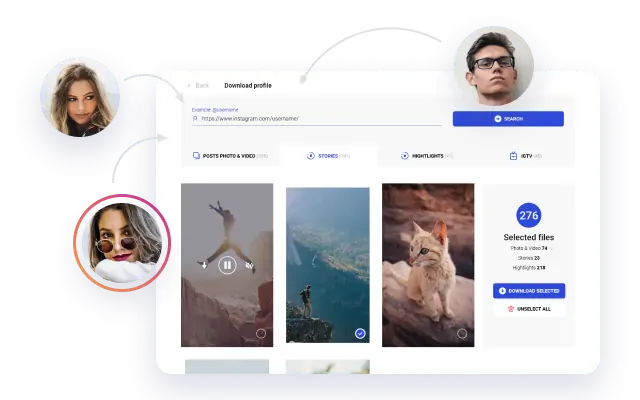
Download Instagram Reels
Reels are fast-moving and often disappear from your feed.
With IGSTYS, you can download Instagram Reels instantly in HD, without watermarks, and watch them anytime — even offline.
Use Reels downloads for:
- Trend research
- Video editing references
- Content planning & repurposing
Download Instagram IGTV Videos
IGTV videos often contain valuable long-form content such as interviews, tutorials, and educational sessions.
IGSTYS lets you download IGTV videos up to one hour long in high definition, making it easy to watch or archive them without relying on internet acces
Great for:
- Learning on the go
- Content backups
- Offline viewing

Download Instagram Stories & Highlights
Instagram Stories disappear after 24 hours — but your favorite moments don’t have to.
IGSTYS allows you to download Stories and Highlights in HD quality directly to your device, without installing any apps.
Save:
- Temporary stories
- Important announcements
- Highlight collections
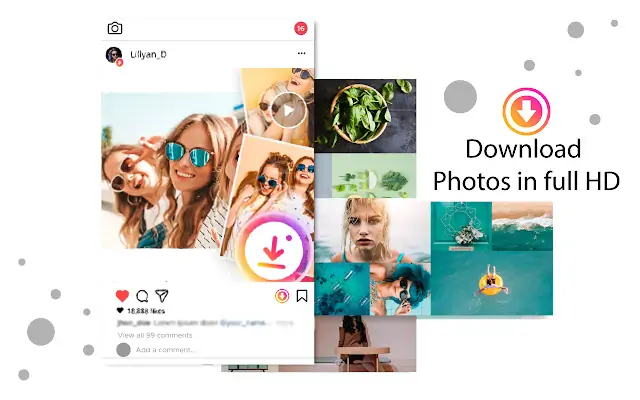
Download Instagram Carousel Posts
Download Instagram carousel posts easily with IGSTYS.
No login required, no account tracking — simply paste the post link and download all images or videos from public carousel posts quickly and securely.
Ideal for:
• Market research
• Content inspiration
• Social media archiving
• Offline viewing
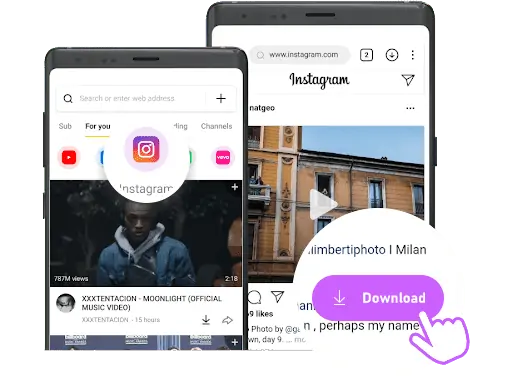
Instagram Video Downloader
IGSTYS allows you to download premium Instagram content, including MP4 videos, Reels, IGTV, photos, and Stories with ease.
- It delivers a smooth, fast, and reliable experience for downloading Instagram media without complications.
- Download and store content in full HD resolution while preserving the original quality.
- No sign-up, registration, or Instagram account access is ever required.
- Private and anonymous downloads — your activity is never tracked or recorded.
- Download Instagram videos and images instantly with a single click.
- Once you use IGSTYS, you’ll never need another Instagram downloader again!
How to Download Instagram Videos with IGSTYS
Downloading Instagram content with IGSTYS.com is quick and effortless. You don’t need to install any app or sign in to Instagram — just follow these simple steps.
Step 01
Open
Instagram
Open the Instagram app on your mobile device or visit Instagram.com from your desktop browser. Find the video, Reel, photo, Story, or IGTV you want to save.
Step 02
Copy the Post
Link
Tap the three-dot (⋯) menu on the post and select “Copy Link.”
The Instagram URL is now copied to your clipboard.
Step 03
Paste the Link on IGSTYS
Go to igstys.com, paste the copied Instagram link into the download box, and click the Download button.
Step 04
Download
& Save
Your content will instantly appear on the screen.
Click Download Video (or Photo) to save the file directly to your device in high quality.
Note: With IGSTYS, you can download all types of Instagram content, including Videos, Photos, Reels, Stories, and IGTV. We regularly update our platform to ensure fast performance and the best possible user experience. If you find IGSTYS helpful, feel free to share it with others.
Disclaimer: IGSTYS is intended for downloading content from your own Instagram account or publicly available posts for personal use. We do not promote copyright infringement or violation of privacy.
Frequently Asked Questions (FAQ)
What is an Instagram Video Downloader?
An Instagram video downloader is an online tool that allows you to save Instagram videos, Reels, photos, Stories, and IGTV to your device using a post link.
Do I need to sign in with my Instagram account to use IGSTYS?
No. IGSTYS does not require any Instagram login, registration, or account connection to download content.
Can I download videos directly from Instagram?
No, Instagram does not provide a built-in option to download videos. IGSTYS enables downloads by copying and pasting the Instagram post link.
What file formats does the IGSTYS Instagram downloader support?
IGSTYS supports MP4 format for videos and Reels, and JPG format for Instagram photos.
Can I download Instagram photos or Reels using IGSTYS?
Yes, IGSTYS allows you to download Instagram photos, Reels, Stories, and IGTV in high quality.
Is IGSTYS free to use?
Yes, IGSTYS is completely free and does not charge for downloading Instagram videos or media.
Can I download Instagram videos from any account?
You can download content from public Instagram accounts. Private account content cannot be downloaded without access permission.
What devices does IGSTYS support?
IGSTYS works on Android, iPhone, Windows, macOS, and Linux using any modern web browser.
Where are Instagram videos saved after downloading?
Downloaded Instagram videos are saved in your device’s default Downloads folder unless you choose a different save location.